Vibration
A damaged control surface, a bent flap, a dead magneto, ice in the carburetor: the airplane shakes, more or less depending on the failure and the airspeed.
In Flight
Click Start Flight and load your airplane in MSFS: Private Pilot Life works silently in the background without slowing the simulator down. No messages, no alerts: it's up to you to read your instruments and feel the airplane. When you close MSFS or click End Flight, your debrief is waiting for you.
Feel the Airplane
A damaged control surface, a bent flap, a dead magneto, ice in the carburetor: the airplane shakes, more or less depending on the failure and the airspeed.
A yoke that pulls to one side, a mushy control, a heavy nose when the CG is too far forward. Your controls need to be set up in MSFS.
The engine loses power, stumbles, overspeeds in a dive: the tachometer tells the story.
Human Factors
An overlay settles over the MSFS screen and the controls respond less well: the pilot is no longer at 100%.
Above 10,000 ft, oxygen starvation sets in, and the higher you go, the faster it comes.
A cracked exhaust with the cabin heat on.
The cabin temperature is calculated from the sun, altitude, cabin heat and cabin air.
After the Flight
It opens as soon as the flight ends: what went well, what needs work, the failures that showed up with their cause and what you should have done, what put wear on the engine, the fuel you burned, all explained in a way that helps you learn.
For the Curious
Every second of the flight is recorded: RPM, temperatures, airspeeds, fuel, icing, load factor… The Flight Analysis screen plots it all as graphs, along with the flight's events, so you can see exactly what happened. Every flight is saved so you can look at it again later.
Options
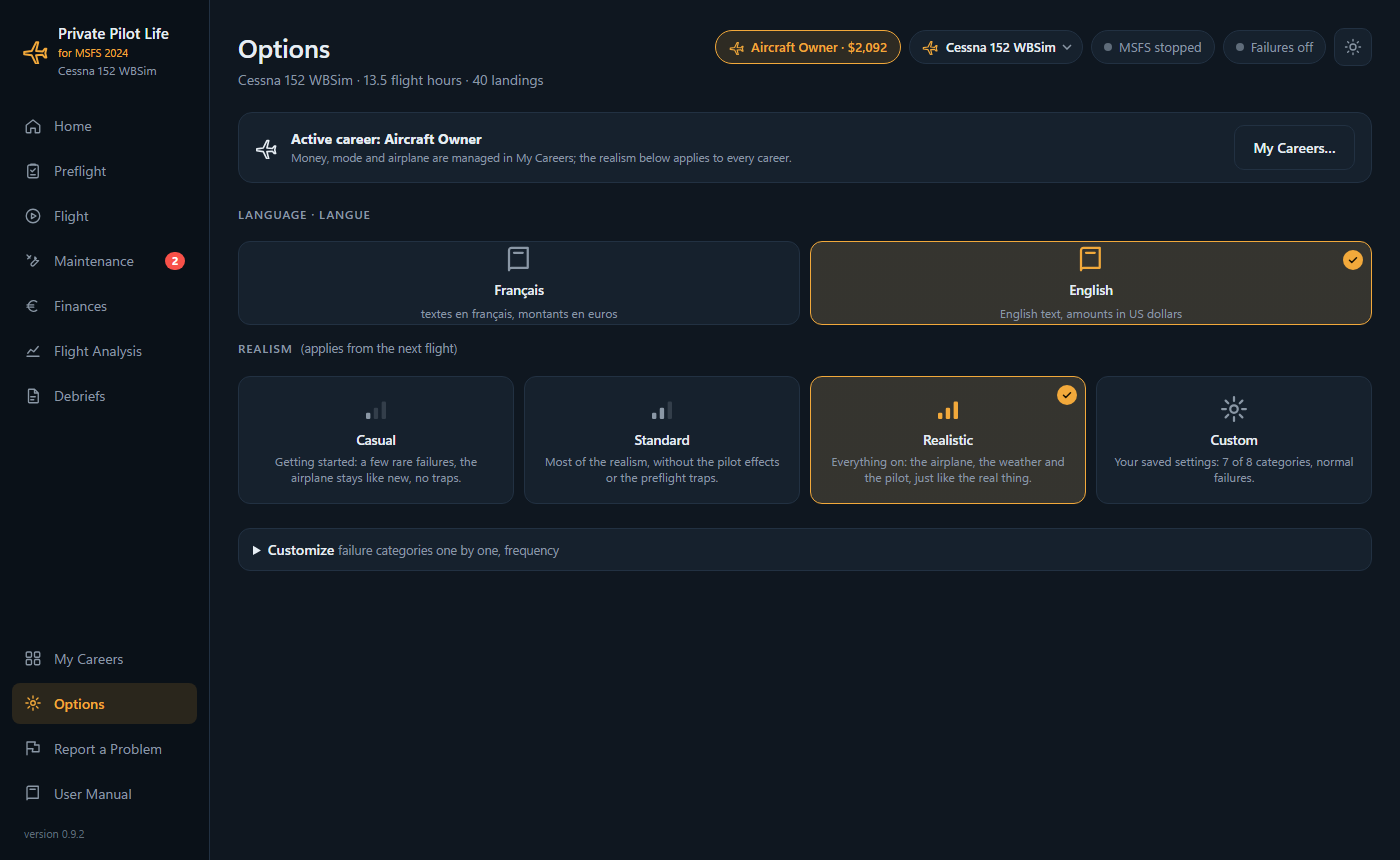
Three profiles to get you started, and category-by-category settings when you want to go further: