Cabin
Circuit breakers (clickable, and written to MSFS), fuel gauges, battery, door latches, and the aircraft cover to remove if the airplane is parked outside.
Preflight and Weather
Before every flight, walk around your airplane in the app with MSFS running. What you see matches the airplane's actual condition: a leak leaves a stain, worn-out oil has changed color, an underinflated tire squats on the ramp. And whatever you miss can catch up with you in the air.
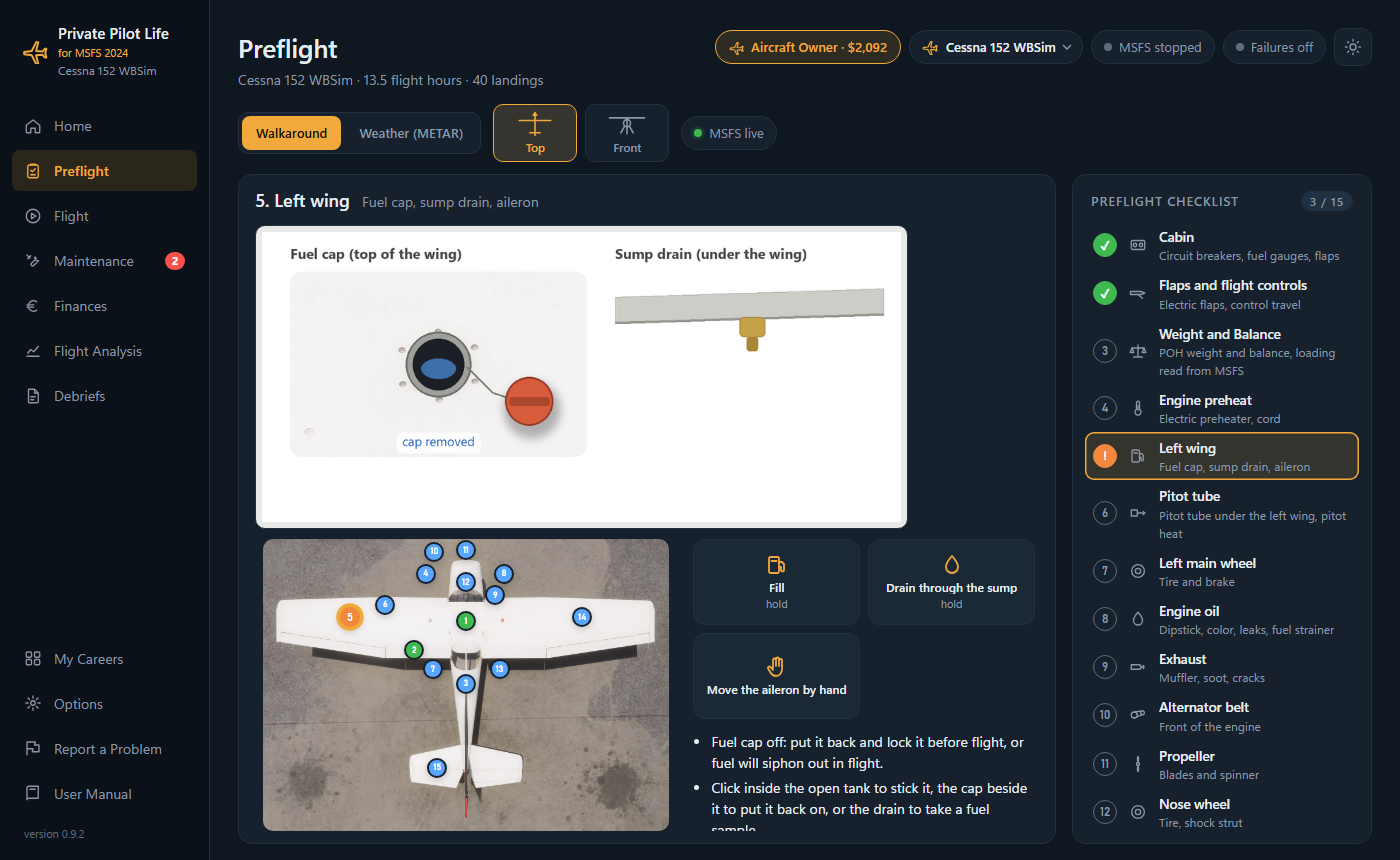
Item by Item
Circuit breakers (clickable, and written to MSFS), fuel gauges, battery, door latches, and the aircraft cover to remove if the airplane is parked outside.
Open the fuel cap and stick the tank: it's the only true measurement. Fill up at the pump, then secure the cap properly.
Wing tank drains and fuel strainer: water sinks to the bottom of the sampler cup. Keep going until the sample is clean. Sediment is a sign of a dirty strainer screen.
Open the access door and pull the dipstick: check the level, and compare the color with the color chart. Top up if needed, and don't forget to screw the cap back on.
Tire gauge and pump: inflate to the right pressure. An overinflated tire is no better than an underinflated one.
Look inside (an insect nest?), then touch it with pitot heat on: warm, or cold if the heater has burned out.
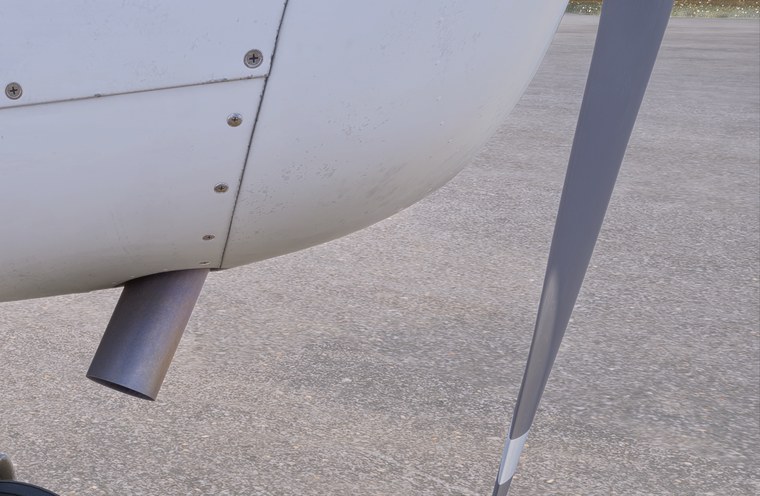
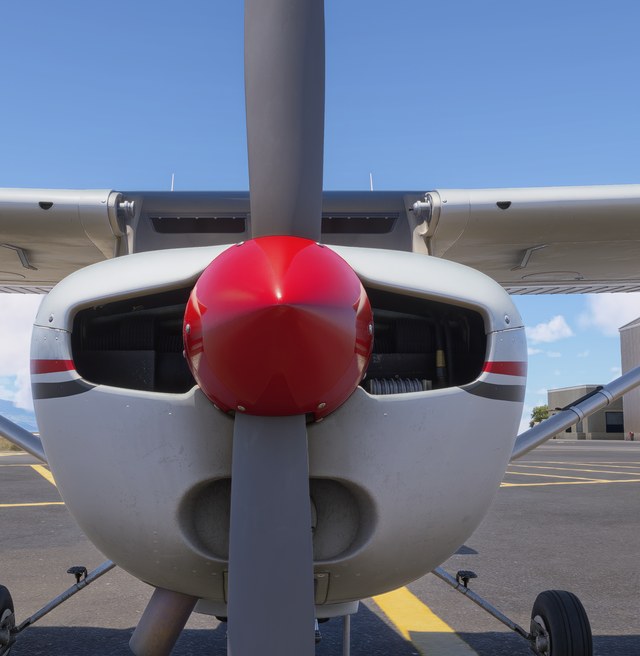
Exhaust (soot, cracks), alternator belt (cracking), propeller (nicks). On very cold days, plug in the electric preheater, and remember to unplug the cord before you start.
Lower the flaps and move the control surfaces by hand: a binding spot, free play or limited travel shows up on the drawing.
Calculated with the arms from the airplane's POH and plotted on the envelope, all the way to the zero-fuel point.
Photos of the Airplane
The preflight items are built on views of the airplane in MSFS, overlaid with everything that depends on its history: exhaust soot based on its hours, a crack if there is one, a nick in the propeller after getting stuck in soft ground, the rivets of a tired airframe.
Weather
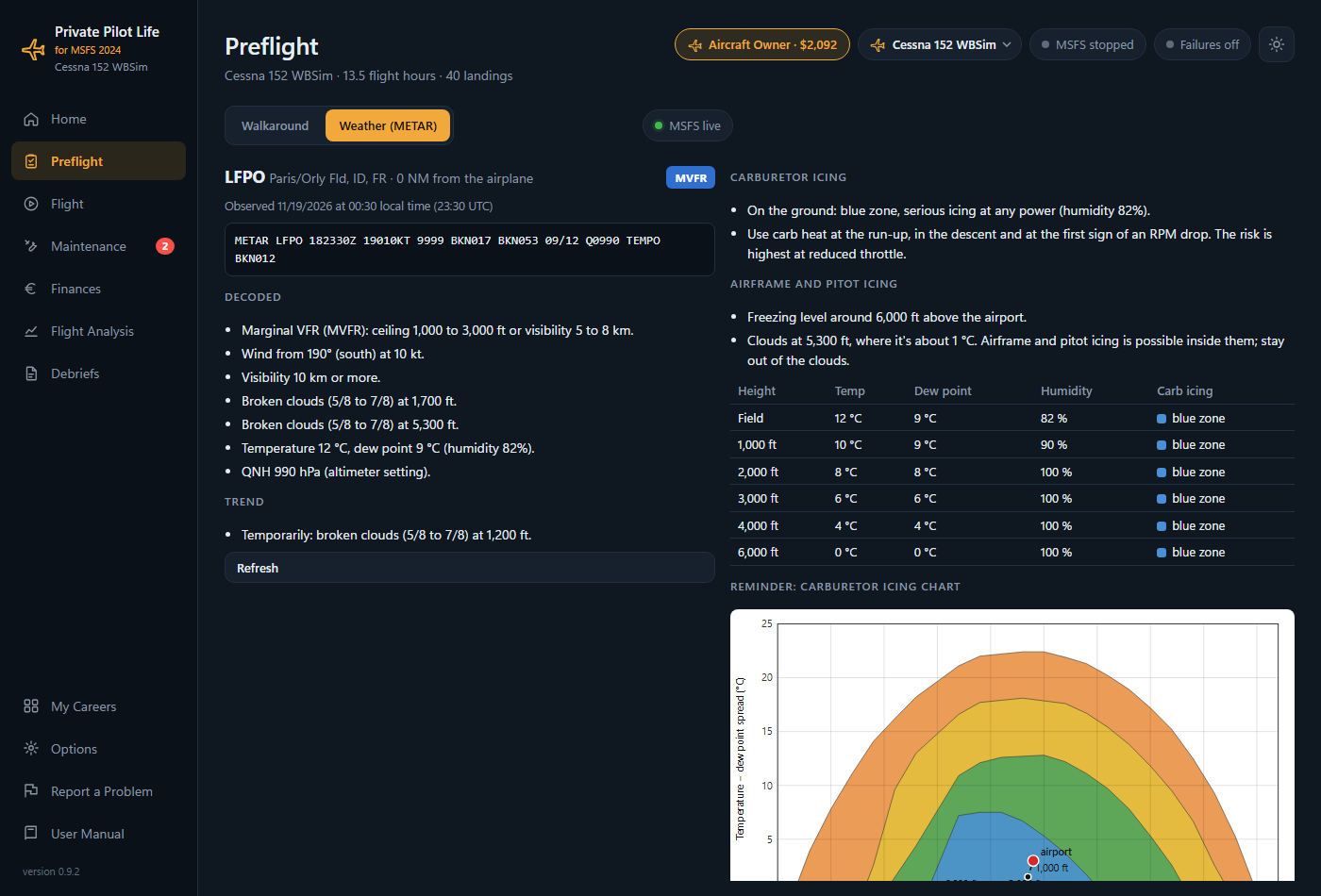
The preflight's Weather tab finds the station closest to your airplane and decodes its METAR: wind, visibility, clouds, temperature, dew point, pressure, trend. Then it spells out what that means for you as a pilot:
Try the carb icing chart on the home page.
Parked
Your airplane keeps living between flights. Outside, more water condenses in the tanks, insects get into the pitot tube and the airframe ages faster. A hangar costs more, and an aircraft cover is a good compromise… as long as you take it off before you start the engine.
| Hangar | Tie-down | Tie-down with cover | |
|---|---|---|---|
| Condensation in the tanks | low | high | low |
| Nest in the pitot tube | rare | frequent | none |
| Airframe aging | slow | fast | moderate |